

Most owners inherit their automation problem sideways. Someone on the team wires up a Zapier flow that auto-sends invoices. A marketing person builds an AI drafting step into the newsletter. A scheduler bolts an auto-reminder onto the booking system. None of it went through anyone. Six months later there are 40 little automations running the business and nobody can tell you what any of them do, who owns them, or what happens if one breaks at 2am on a Saturday.
That's the real governance gap. Not "should we use AI." It's that automation accumulates faster than oversight does, and by the time an owner notices, the risk is already distributed across a dozen tools nobody's tracking.
An automation and AI governance framework isn't about slowing your team down or writing a 30-page policy nobody reads. For a non-engineering owner, it's a way to answer three questions on demand: What are we running? Who's responsible if it misbehaves? And how fast can we turn it off? Everything below is built around making those answers cheap to produce.
Why this breaks in almost every growing business
The pattern is consistent. Early on, one or two automations save real hours and everyone's thrilled. Nobody governs them because there's nothing to govern — you can hold two automations in your head.
Then the business grows and the automations multiply, but the awareness of them doesn't scale with the count. This is the trap. Ten automations built by four different people, across five tools, with zero shared record of what exists. Each one made sense to the person who built it. Collectively, they're a black box.
What makes it worse: the risky automations rarely look risky. The scary-sounding ones — anything touching payments, customer data, or contracts — usually get some scrutiny because people are nervous. The dangerous ones are the boring middle. An auto-reply that quietly emails the wrong customer segment. A pricing sync that silently rounds wrong. An AI-generated summary feeding into a decision nobody double-checks. These slip through because they feel low-stakes, right up until they compound.
In practice, the failure usually shows up like this: a customer complains about something weird, the team spends two days figuring out which automation caused it, and then discovers the person who built it left the company. That's not an AI problem. That's an ownership-and-visibility problem wearing an AI costume.
Start with risk tiers, not tools
The instinct is to govern by technology — "all AI stuff needs approval." That's a bad filter. An AI tool that drafts internal meeting notes is basically harmless. A simple rule-based automation that moves money is not. Governing by tool means you over-police the safe stuff and under-police the dangerous stuff.
Stop losing track of your priorities.
Workyly helps you organize, assign, and track every task efficiently.
- Centralized task management
- Real-time collaboration
- Intelligent workflow automation
No credit card required
Govern by risk. The question isn't "is this AI?" — it's "what happens when this does the wrong thing, and how hard is it to undo?"
A simple three-tier model covers most small and mid-sized businesses:
| Tier | What it touches | Reversibility | Who approves | Monitoring |
|---|---|---|---|---|
| Low | Internal drafts, notifications, formatting, non-customer-facing summaries | Easy — mistakes are annoying, not costly | Team lead, same day | Spot-check monthly |
| Medium | Customer-facing messages, scheduling, data syncs, lead routing | Recoverable but visible to customers | Owner or ops manager, documented | Weekly review of a sample |
| High | Money movement, contracts, pricing, customer data changes, anything legally binding | Hard or impossible to undo cleanly | Owner sign-off + a second reviewer | Daily automated check + alerting |
The point of the table isn't the exact rows — adjust them to your business. The point is that approval effort should scale with irreversibility, not with how fancy the technology sounds. A junior person shipping a low-tier automation shouldn't need a meeting. A high-tier one shouldn't ship without you knowing.
One mistake worth calling out: owners often set the tiers and then quietly drop the "second reviewer" on high-tier items because it slows things down. If you're going to skip it, at least drop the tier honestly. A rule you routinely ignore is worse than no rule — it teaches the team that the whole framework is theater.
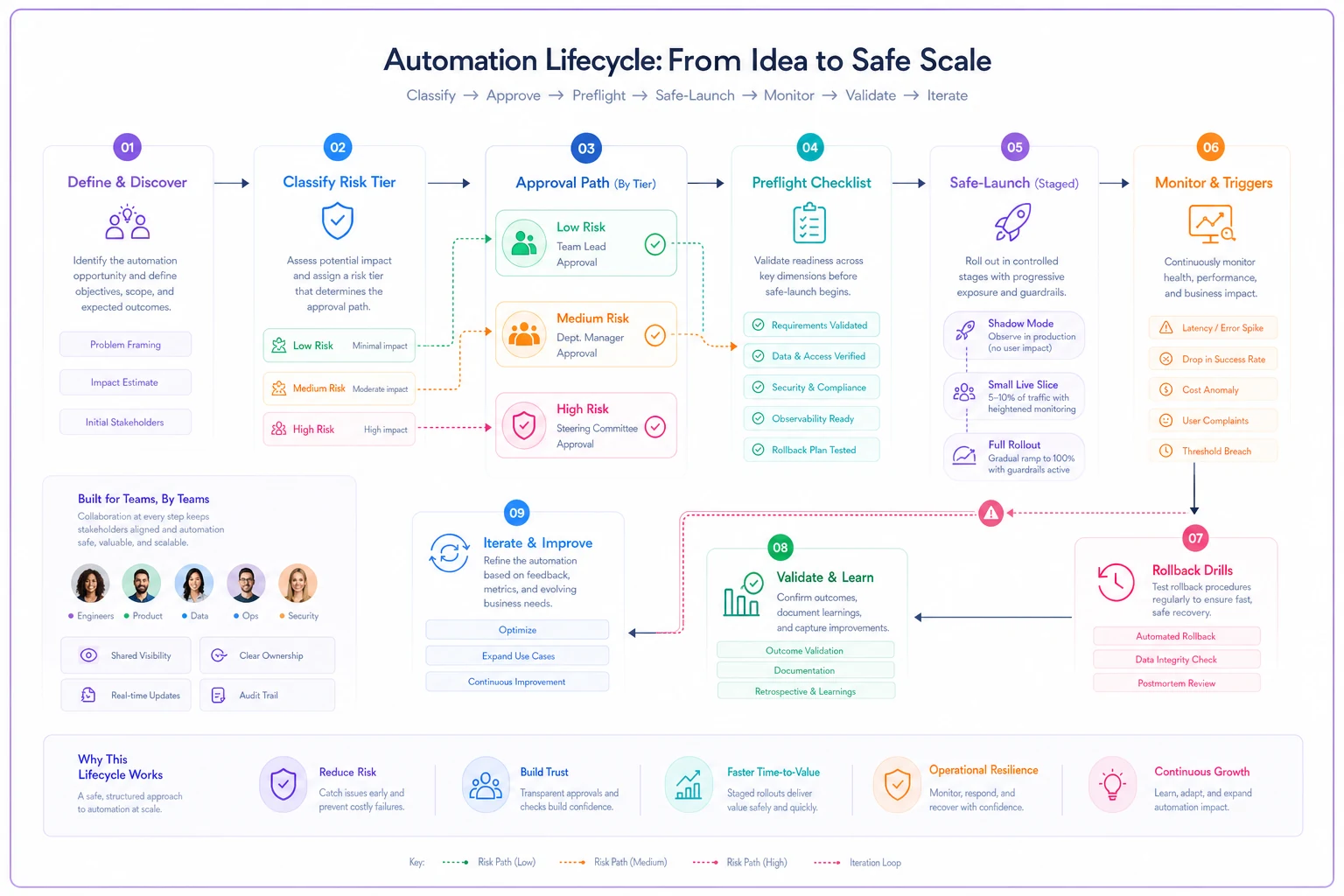
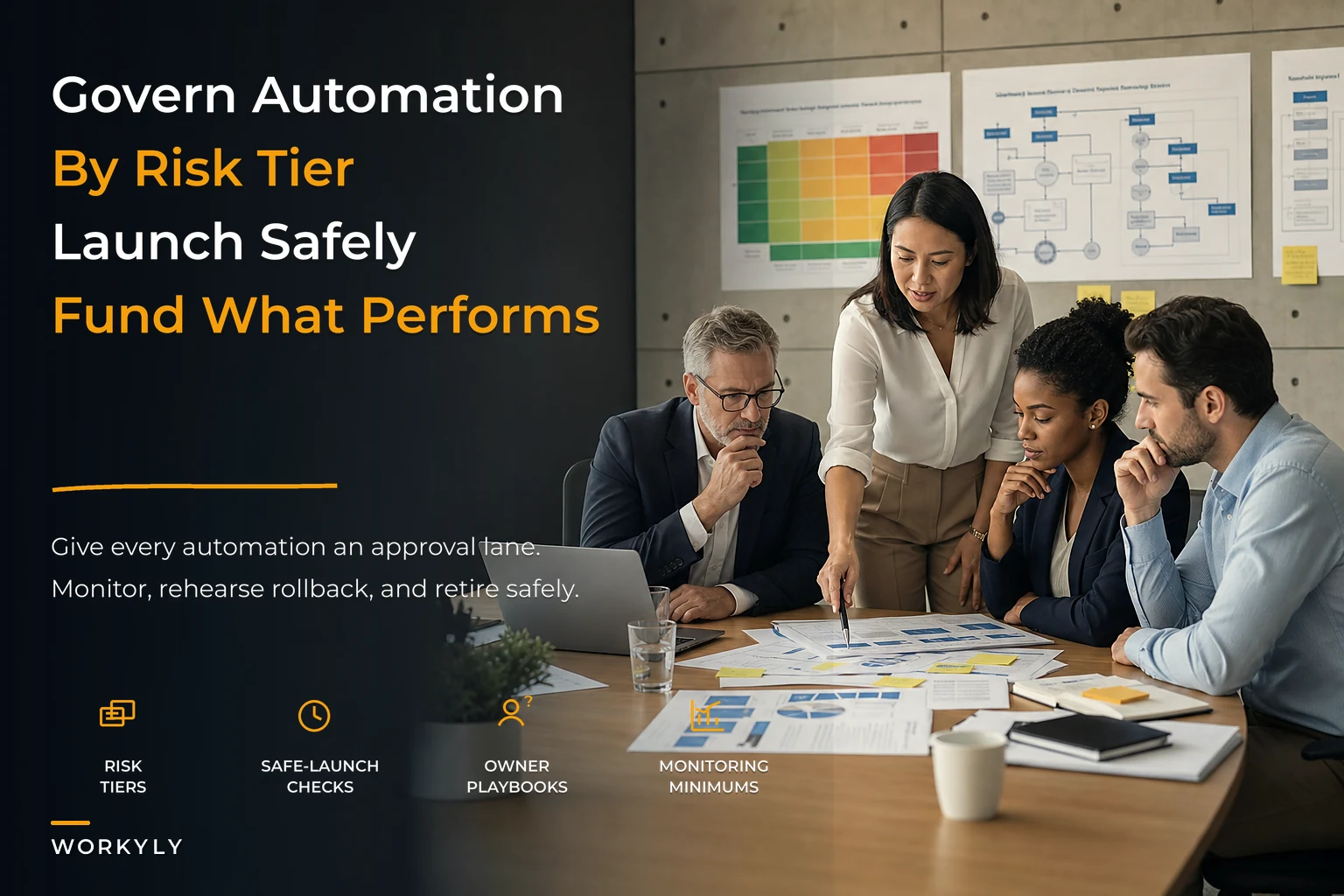
This visual maps approvals to monitoring and rollback steps so you can see the handoffs at a glance.
The preflight: what has to exist before anything launches
Every automation, regardless of tier, should have a short answer to the same set of questions before it goes live. Low-tier items answer them in two minutes. High-tier items get a real document. Same questions, different depth.
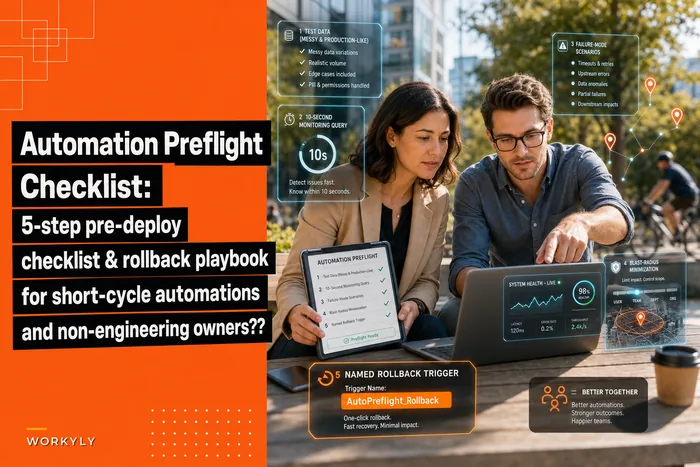
This is where a preflight earns its keep. If you want the granular version for short-cycle automations specifically, we've broken that down in the automation preflight checklist and rollback playbook — but at the governance level, the minimum is smaller than people expect:
-
What does it do, in one plain sentence? If the person launching it can't explain it without jargon, nobody else will understand it in six months.
-
What's the blast radius if it goes wrong? Who or what gets hit — five internal emails, or 800 customers?
-
Who owns it? A named human, not a team. Ownership that belongs to "the ops team" belongs to nobody.
-
How do we turn it off? The literal steps. Where's the switch, and can a non-technical person flip it?
-
How will we know it's misbehaving? What's the signal — a report, an alert, a customer complaint?
That fifth one is the one everyone skips, and it's the one that matters most. Most automation disasters aren't caused by the automation being wrong from day one. They're caused by the automation being wrong for weeks before anyone noticed. The detection gap is the actual cost.
Safe-launch: don't flip everything on at once
A launch plan for a medium- or high-tier automation should never be "turn it on for everyone Monday morning." What tends to work across different businesses is a staged switch-on, even for small teams:
-
Shadow mode first. Let the automation run and log what it would have done without actually doing it. For AI-driven steps especially, this is valuable — you get to compare the machine's output against what a human would've done, on real data, with zero risk.
-
Small live slice. Turn it on for a narrow segment — one location, one customer tier, 10% of traffic. Watch it for a defined window.
-
Full rollout with the off-switch documented. Only after the slice behaves.
A common failure here is treating shadow mode as optional because "we're pretty sure it works." Pretty sure is exactly the state of mind that ships the invoice bug. The whole reason to run shadow mode is that your confidence and the actual behavior are two different things, and shadow mode is cheap enough to just check.
Monitoring minimums: the smallest thing that still catches problems
Governance dies when monitoring becomes a full-time job. It has to be lightweight or it won't happen. The trick is matching monitoring intensity to the tier — same as approvals.
For low-tier automations, a monthly glance is fine. Pull a handful of outputs, eyeball them, move on.
For medium-tier, sample weekly. You're not reviewing everything — you're reviewing enough to catch a drift. Ten records, look for anything obviously off.
For high-tier, you need something automatic. Not because you're paranoid, but because human sampling can't catch a Tuesday-afternoon failure fast enough when money's involved. A simple threshold alert — "flag me if the daily count is 20% off the usual" — outperforms any manual review.
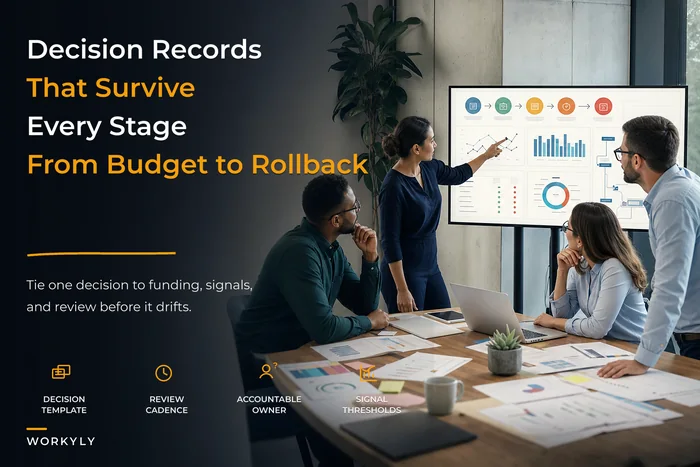
The underlying principle: you're not monitoring the automation, you're monitoring for the absence of surprise. The goal is to notice when reality diverges from what you expect, and to notice it in hours, not weeks. A lot of what makes this workable is tying each automation's monitoring signal back to the decision that authorized it, which we get into in decision hygiene at scale and linking records to monitoring triggers.
Rollback drills: the part everyone writes down and never practices
Every governance doc says "we can roll back." Almost nobody has actually tried it. Then the day comes, the off-switch instructions are three tools out of date, the person who wrote them is on vacation, and the "5-minute rollback" takes four hours while customers pile up.
Run rollback drills the way you'd run a fire drill — occasionally, on purpose, when nothing's actually on fire.
Time the drill and treat any friction points as immediate updates to the rollback instructions so they stay accurate.
A drill is simple: pick a high-tier automation, and have someone who didn't build it turn it off using only the written instructions. Time it. Note where they got stuck. Fix the instructions. That's it. The value isn't the drill itself — it's discovering that your rollback plan quietly rotted while you weren't looking.
A realistic version of this: the automation was built in one tool, but a later change moved part of it to another, and the rollback doc still points at the first tool. The instructions look complete. They're just wrong now. You only find that by testing it cold.
Deprecation: the automations that quietly outlive their usefulness
A category almost nobody governs — the automation that was useful, isn't anymore, and just keeps running. The seasonal promo flow that fires year-round. The report going to someone who left. The sync feeding a spreadsheet nobody opens.
These aren't dramatic failures. They're slow rot. They add clutter, occasionally do something mildly wrong, and mostly make the whole system harder to reason about when something breaks. Every dead automation is one more thing you have to rule out during an incident.
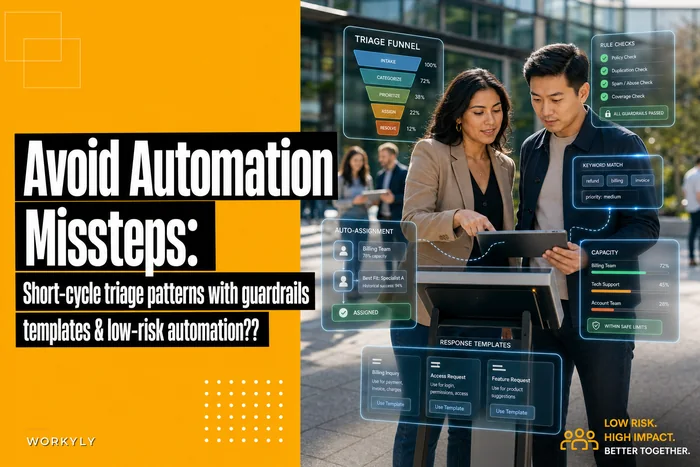
A deprecation rule fixes this cheaply: every automation gets a review date. When it comes up, three choices — keep, change, or kill. If nobody can name a reason to keep it, it goes. The default should be retire, not let it ride. The bias toward "leave it running, it's not hurting anything" is exactly how the black box gets built. Some of the messier automation failures we've written about in avoiding automation missteps with guardrails and triage patterns started as perfectly good automations that nobody ever revisited.
Mapping approval lanes to funding and rituals
This is the piece that turns a checklist into an operating system: your approval tiers should connect to how you spend money and how you meet as a team.
A high-tier automation deserves real attention because if it fails it costs real money — so it earns a spot in a recurring review ritual and a small line of budget for monitoring tooling. A low-tier automation doesn't deserve a meeting; forcing it into one just trains people to route around governance entirely.
-
Low tier → no funding ask, no ritual. Logged, owned, reviewed monthly by the person who built it. Done.
-
Medium tier → mentioned in the regular team ops check-in. Owner aware. Small shared budget for the tools these run on.
-
High tier → standing item in the owner's monthly review. Explicit budget line for monitoring and alerting. Rollback drilled at least once or twice a year.
The insight most owners miss: governance and funding are the same conversation. If an automation is worth trusting with money-touching work, it's worth spending a little money to watch it. If it's not worth watching, it probably shouldn't be running at that tier. When those two decisions drift apart — high-risk automations with zero monitoring budget — that's where the expensive surprises live.
A real scenario
A regional home-services company — roughly 20 field staff, a two-person office — had drifted into about 15 automations across scheduling, invoicing, and customer follow-ups. Built over two years by whoever needed something at the time. No record of what existed.
The trigger was a bad month: an invoicing automation had been applying an outdated service rate for close to six weeks before anyone caught it. The undercharge added up to somewhere in the $4k–$5k range of lost revenue, plus the awkward conversation of going back to customers.
The fix wasn't fancy. They spent an afternoon listing every automation they could find, tagged each into low/medium/high, and named an owner for each. Two dead automations got killed on the spot. The invoicing flow — clearly high-tier — got a simple daily total check and a documented off-switch the office manager could actually operate.
The measurable change was less about a single number and more about response time. The next glitch that came up — a follow-up email firing to the wrong segment — got caught in under a day instead of festering for weeks. The office manager described it as finally knowing what was running the business instead of guessing. That's the whole payoff of governance — not zero failures, but fast, cheap recovery.
When this framework makes sense — and when it doesn't
When it's worth it: you've got more automations than you can list from memory, more than one person building them, or anything touching money, contracts, or customer data. Once you cross a handful of medium-and-up automations, the cost of not having this is a slow accumulation of untracked risk.
When it's overkill: if you have two or three simple, internal, easily-reversible automations, don't build a tiered matrix and rollback drills. You'll spend more time governing than you save. Just write down what they do and who owns them. The framework should be proportional to the mess it's preventing.
Who should NOT over-invest here: solo operators and very small teams with a tight, stable set of automations. Governance is a tax that pays off at scale and burns time below it. Match the ceremony to the actual number of moving parts.
Pulling it together
The whole framework comes down to keeping the answers to what's running, who owns it, and how fast can we kill it cheap and current. Risk tiers decide how much effort each automation deserves. Preflight and safe-launch stop the avoidable failures.
Monitoring minimums catch the ones that slip through — fast. Rollback drills make sure your escape hatch actually opens. Deprecation keeps the whole thing from silently rotting. And mapping all of it to funding and your regular review rhythm is what keeps it alive instead of becoming a document nobody opens.
Most owners don't need more automation. They need to be able to see the automation they already have, and to trust that when one of them misbehaves — and one always eventually does — they'll catch it early and turn it off before it costs them a month of quiet damage.
The whole framework comes down to keeping the answers to what's running, who owns it, and how fast can we kill it cheap and current. Risk tiers decide how much effort each automation deserves. Preflight and safe-launch stop the avoidable failures.
Monitoring minimums catch the ones that slip through — fast. Rollback drills make sure your escape hatch actually opens. Deprecation keeps the whole thing from silently rotting. And mapping all of it to funding and your regular review rhythm is what keeps it alive instead of becoming a document nobody opens.
Most owners don't need more automation. They need to be able to see the automation they already have, and to trust that when one of them misbehaves — and one always eventually does — they'll catch it early and turn it off before it costs them a month of quiet damage.
Ready to boost your team's productivity?
Join 5,000+ teams using Workyly to streamline workflows, improve communication, and deliver projects faster.